Stories behind the innovation
Video
Near and dear
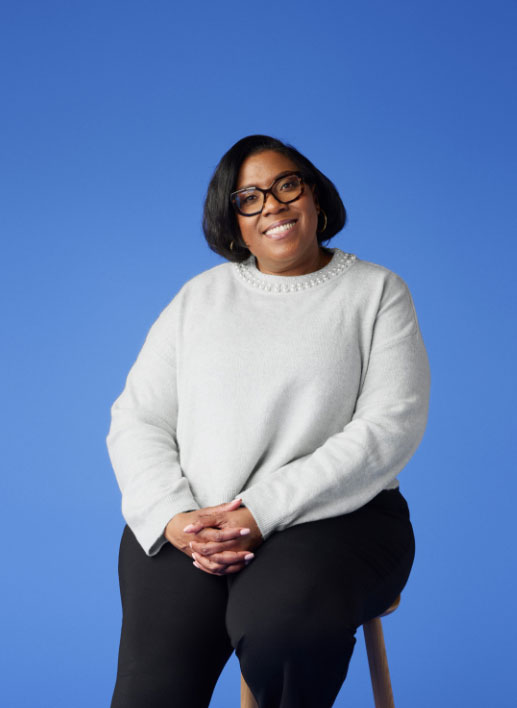
Keepsakes that get passed through generations of a connected family can unlock hidden characteristics of our colleagues. Cynthia Bryant presents us with some of hers that showcase her mom’s creativity and how she encourages herself to fly.

Video
“Your uniqueness makes you who you are.”
Inspired by her early love for fantasy and gaming, Christina Parker champions diversity and representation in the gaming industry, explaining the accuracy of portrayals and the importance of players seeing themselves in the virtual worlds they love.
Video
Tosh’s journey through time
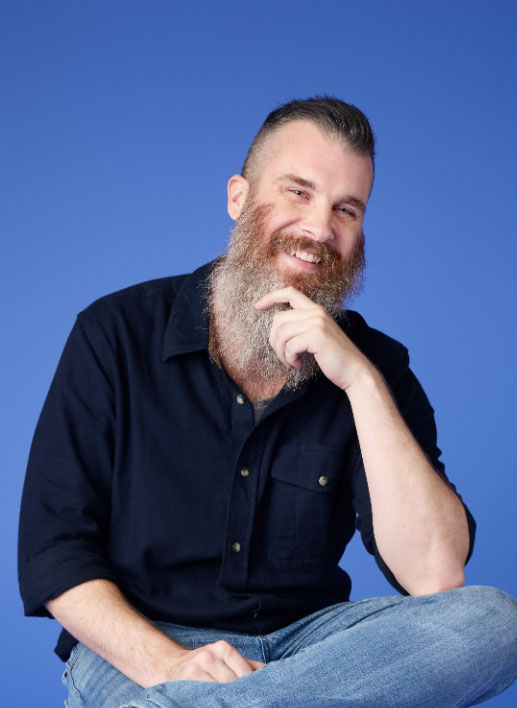
There are artifacts in our lives that represent how we connect to the world around us. Tosh Hudson shares how journaling, music, and plants, for him, represent a willingness to release, learn, and grow.
Video
Art of cherishing memories
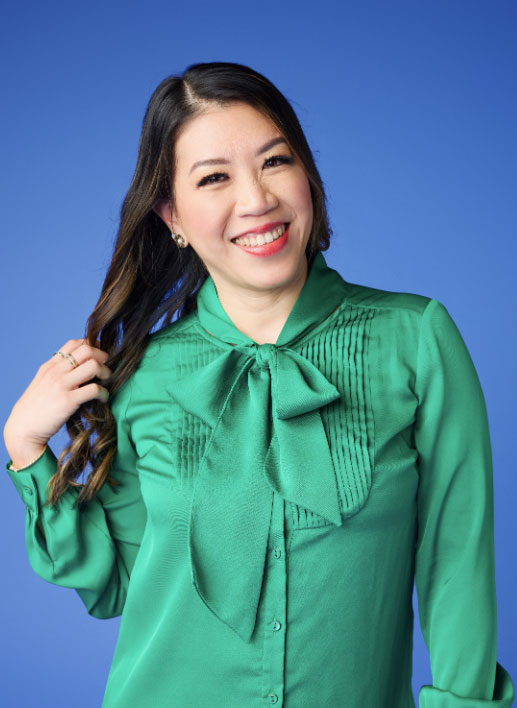
Sometimes our possessions remind us of our favorite places or home. Athena Chang shares the items that take her back to Taiwan, Prague, and New York.
Video
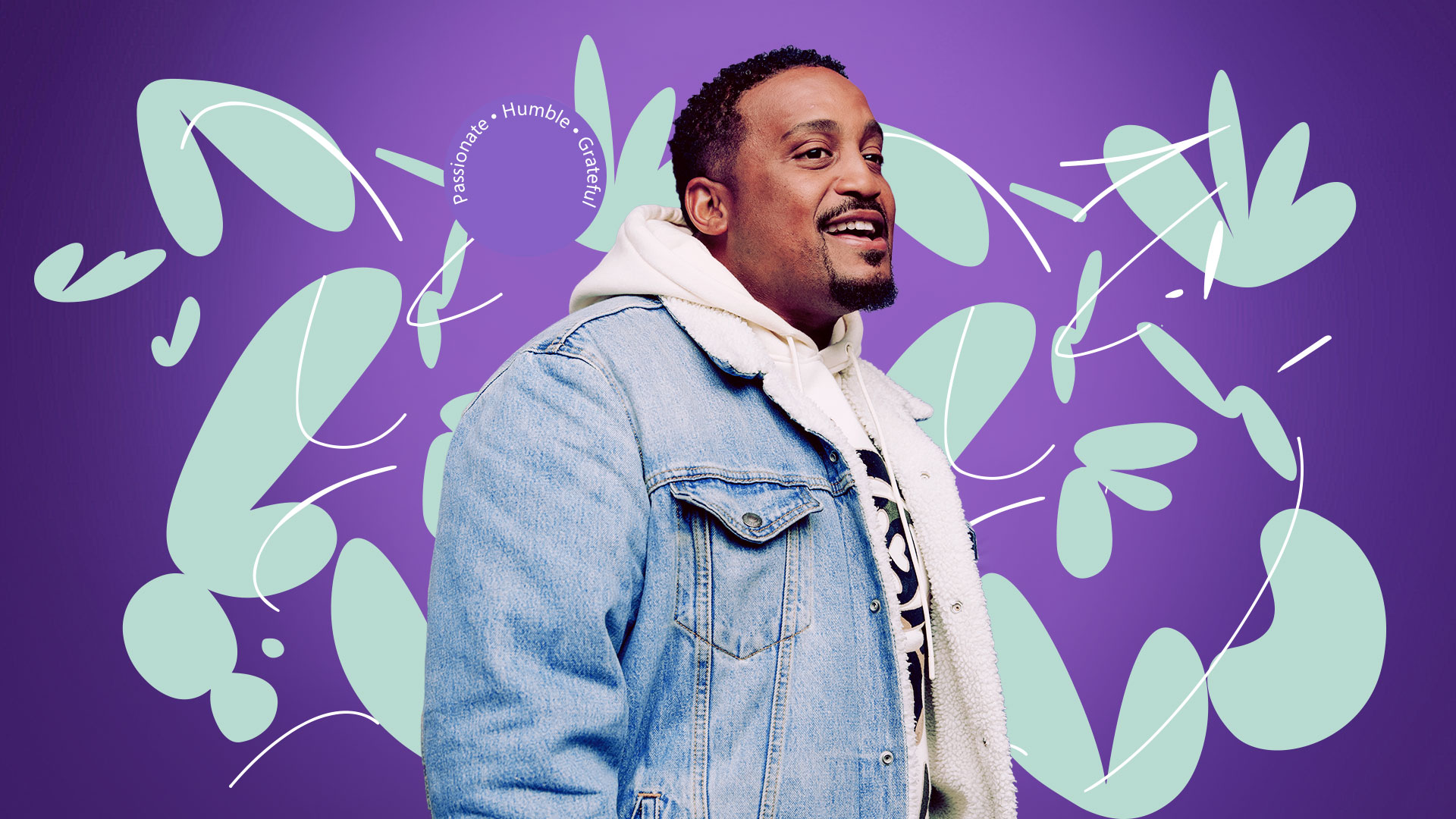
When innovation and passion collide
Jerome Collins discusses the influence of his father’s guidance, his passion for art and music, and his innovative approach to driving positive change and representation in his professional sphere.
Video
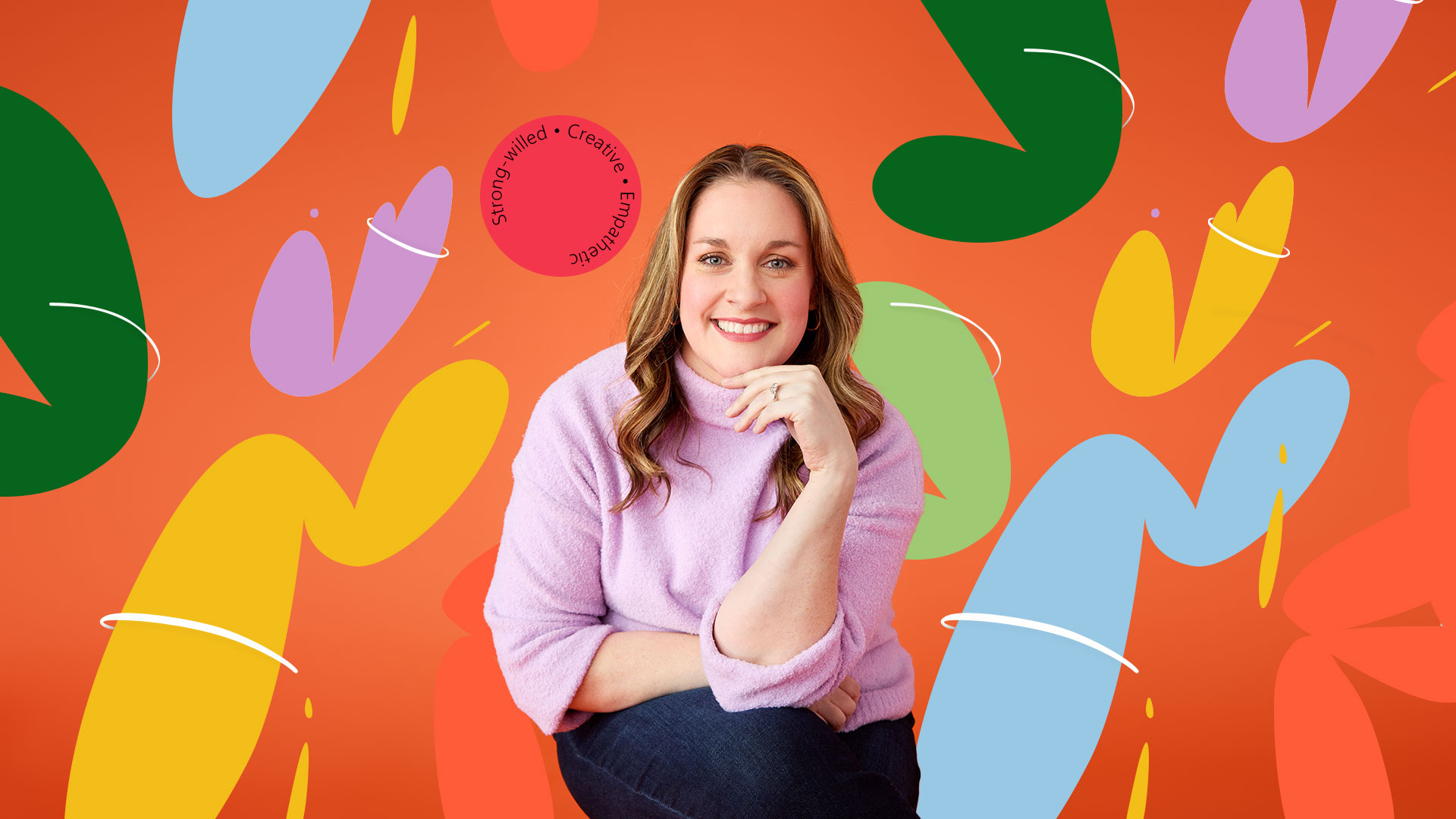
“At the end of the day, I think that’s what people want: to be heard.”
Guided by a gift for listening and a commitment to motherhood, Erin Jagelski shares how she navigated post-maternity challenges and pioneered support networks for parents in the workplace by blending her passion and leadership to foster inclusive environments.
Video
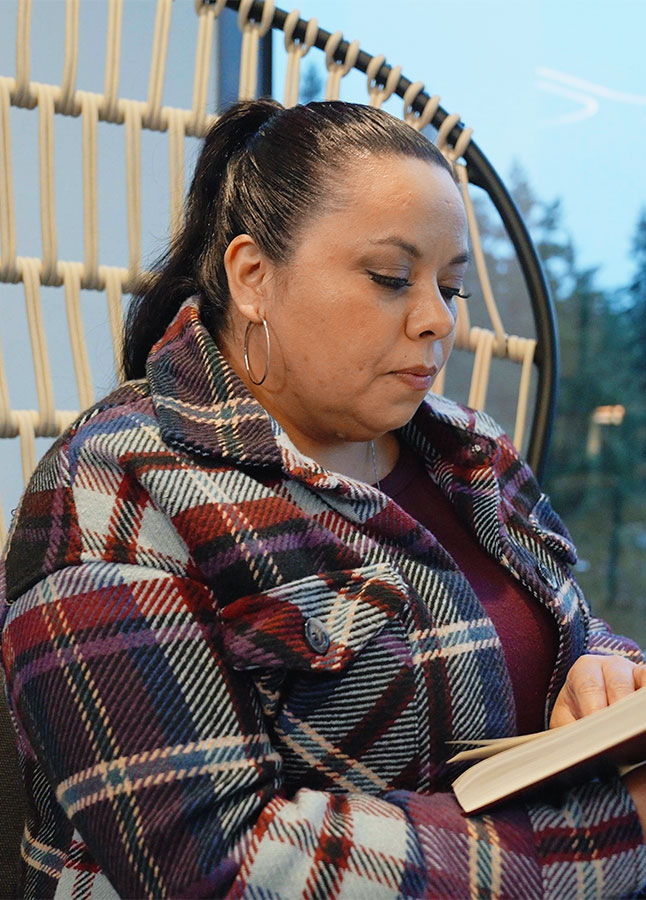
Melissa Curry’s treasures of heritage and achievement
Our possessions showcase the things that really matter to us. Melissa Curry unveils the artifacts that encapsulate her heritage, achievements, and bonds that shape her. Tell us about the artifacts that weave the fabric of your story.

Animated Story
Embrace your identity, embrace life
Kimberly Marreros Chuco discusses embracing one’s unique identity and learning from challenges, emphasizing the importance of adaptability and accepting mistakes as part of growth, inspired by her experiences moving from an Andean mining town.
Featured Artist: Tai Silva
Video
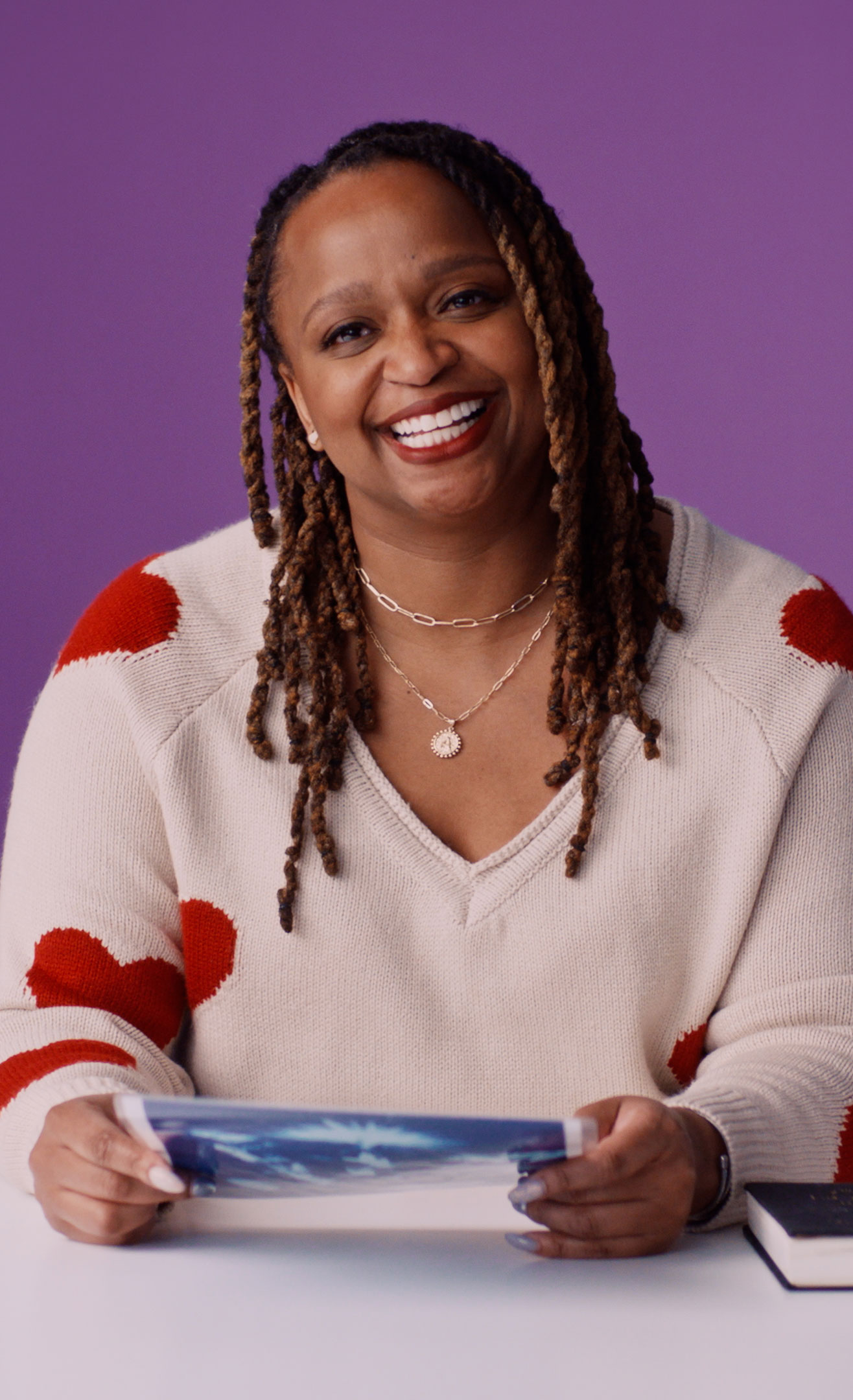
Ashley Witherspoon Innovator’s Inventory and the big plans she’s made
Our personal treasures hold the stories of who we are. Ashley Witherspoon shares the tangible symbols of her values and journey. What mementos narrate your life’s chapters?
Animated Story
This is my sazón
Ivelisse Capellan Heyer is a user experience designer who uses patience and her family to combat her own self-doubt.
Featured Artist: Sol Cotti
Animated Story
Nurturing inner peace
When Ethan Alexander started at Microsoft, he prioritized money over his wellbeing. Twelve years later, the senior customer success account manager and D&I storytelling host knows that the only way to truly take care of others is to first take care of yourself. Discover his story of gratitude and growth.
Featured Artist: Camila Abdanur
Animated Story
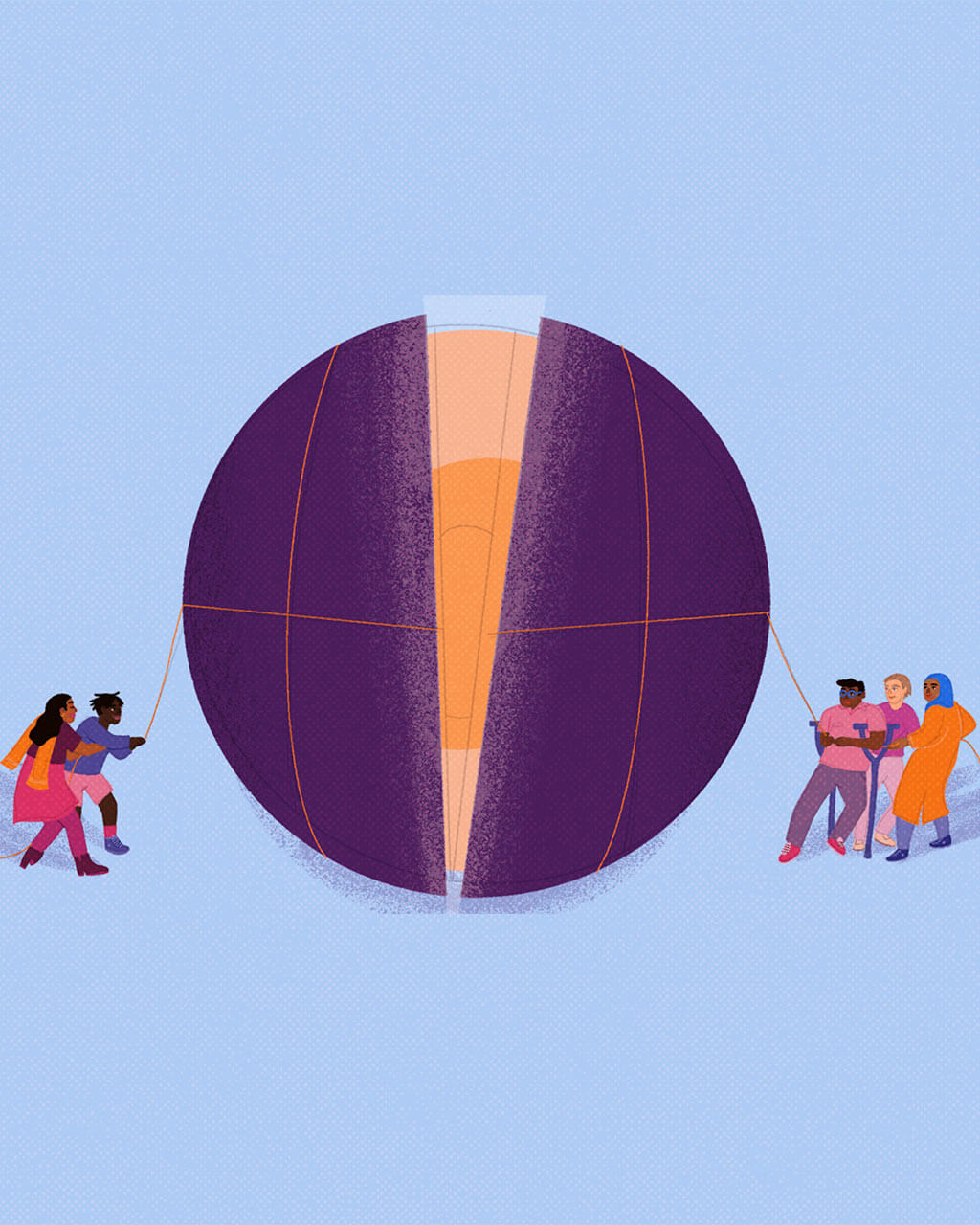
Master of messiness
As a mom and a tech leader, Elaine Chang has learned to embrace the chaos and put her “octopus mind” to work in service of innovation, at work and at home.
Featured Artist: Niege Borges
Animated Story
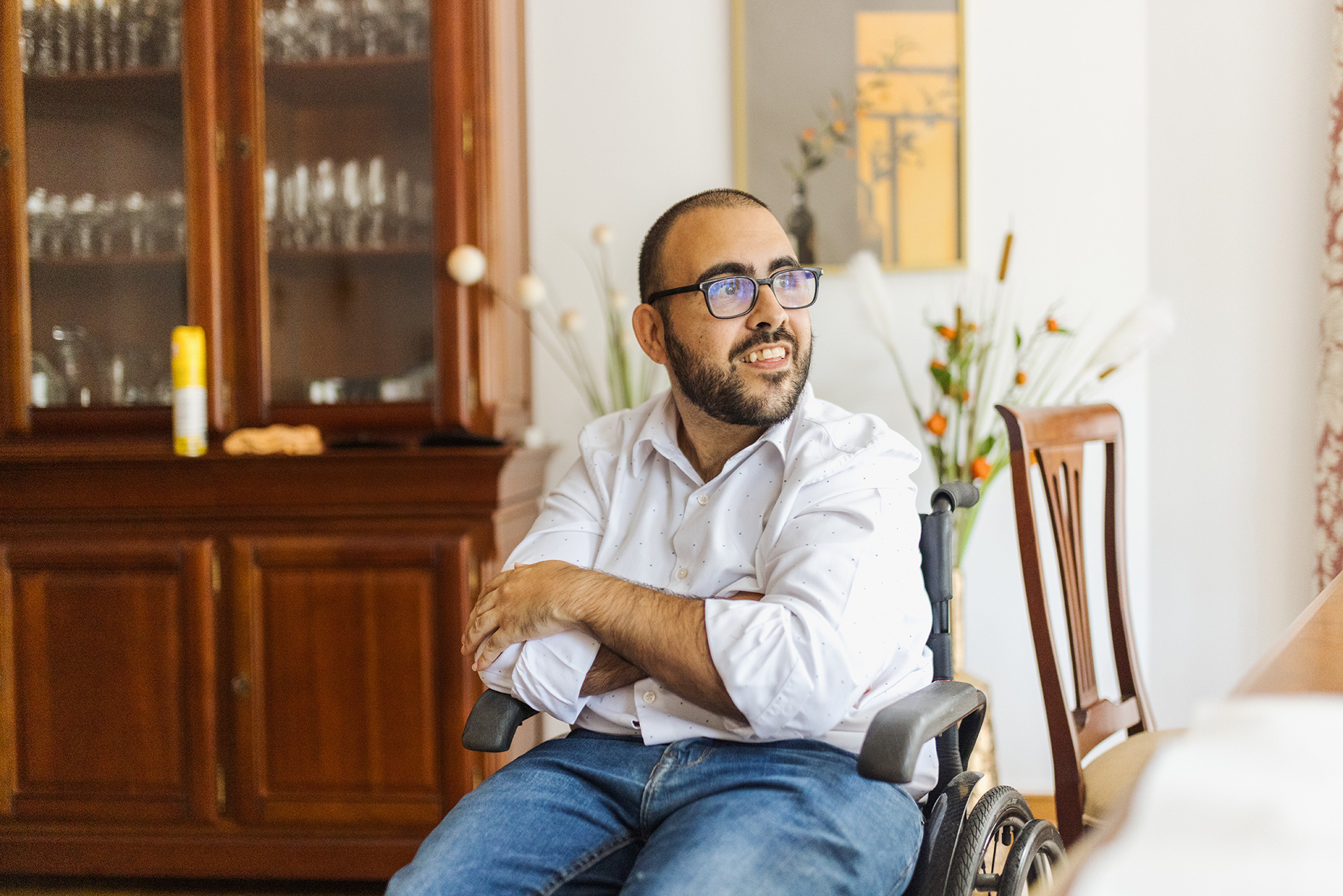
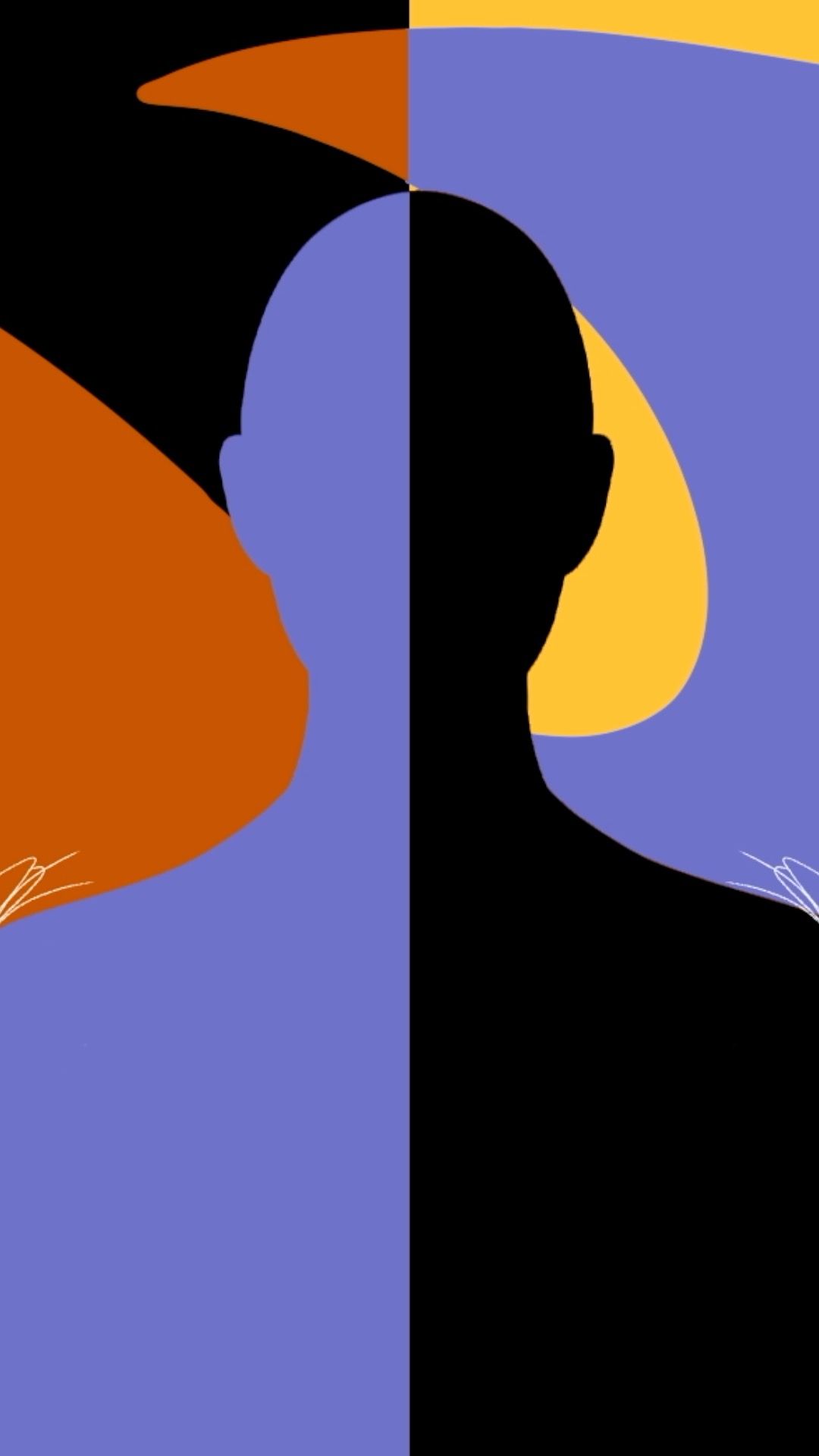
What leaders look like
Shrivaths Iyengar worried that coworkers would be reluctant to follow a leader who had disabilities. Instead, he discovered that his experiences made him a stronger, more empathetic manager.
Featured Artist: Ananya Rao-Middleton
Animated Story
Experiencing both sides
As a child, Ana Sofia Gonzalez crossed between Juárez, Mexico , and El Paso, Texas, every day to go to school. Learning how to live, communicate, and connect in both cultures has made her a better designer, mentor, and innovator.
Featured Artist: Dai Ruiz
Real progress requires real work
Innovation demands intention.
Microsoft’s custom Allyship Program is grounded in our unique growth mindset culture, focusing on allyship, covering, and privilege to intentionally shift behavior. We pair it with a company-wide D&I; performance priority, so that every employee is accountable for culture change.
FIND OUT MORE
Innovation thrives on insight.
The conversation about identity in the workplace is rapidly evolving. That’s why we engage external experts to spark employee and ecosystem conversations on topics like intersectionality, mental health, faith, gender identity, and chosen families.
FIND OUT MORE
Innovation requires introspection.
We are accountable to look within our organizations, assess what is working and what is not, and measure our progress. As one of the most transparent multinationals of our size, we proactively share data on representation and inclusion.
FIND OUT MORE
Innovation calls for investment.
Our collective potential is limited when everyone doesn’t have access. Microsoft supports unique partnerships to invest in students interested in technology careers. We develop custom programs such as the Neurodiversity Hiring Program, Microsoft Leap, and the Microsoft Software and Systems Academy for transitioning military service members to clear a path for future tech talent.
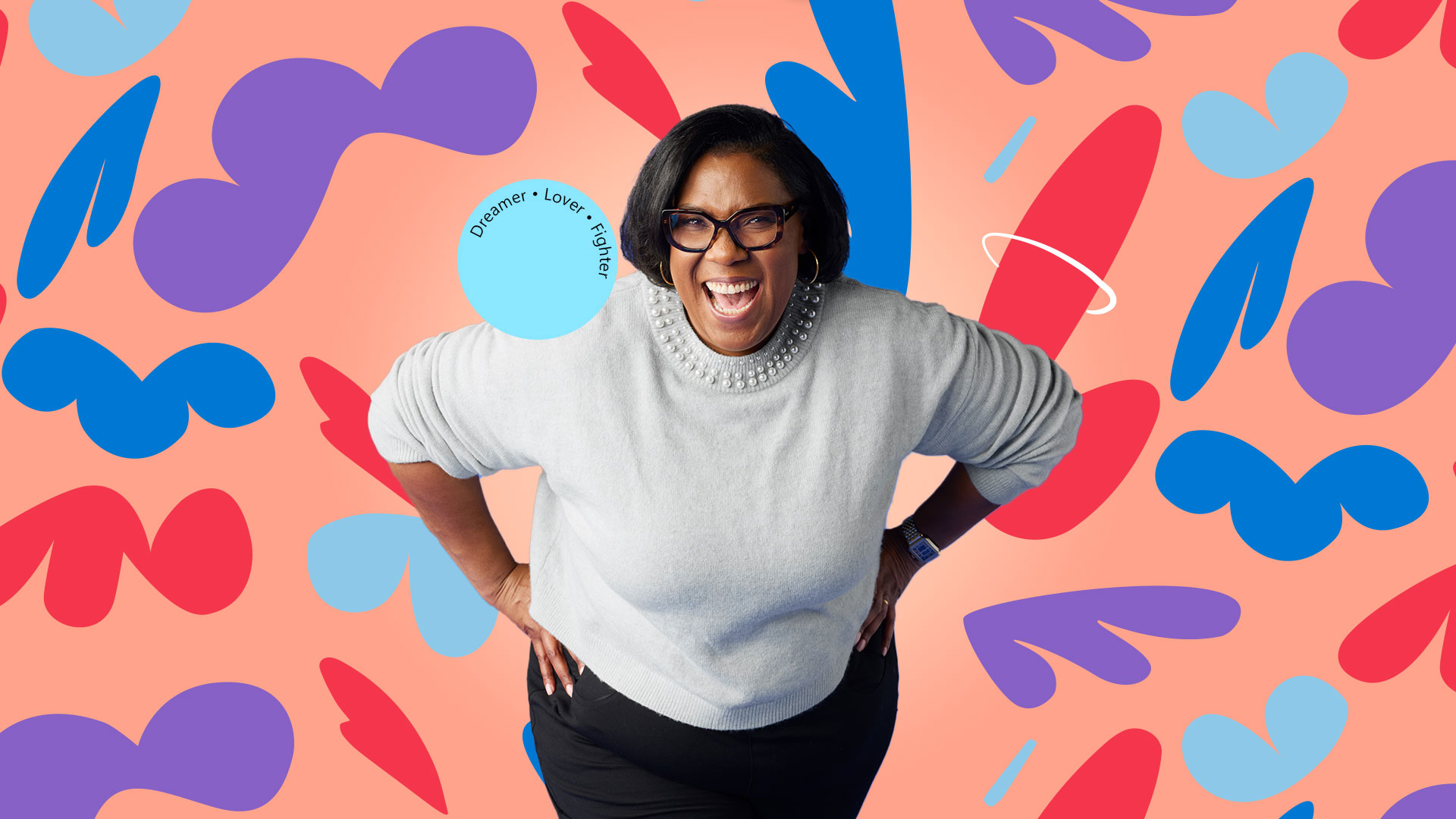
“If there’s a family issue … you have
enough grace to be able to take care of it.”
enough grace to be able to take care of it.”